Fee reserve context
Surfaces SOL balance so low-fee-reserve wallets are visible before another tap.
 Vault Lens
Solana Mobile wallet hygiene
Vault Lens turns a public Solana address into a fast, read-only readiness score, visible holdings context, and practical next steps.
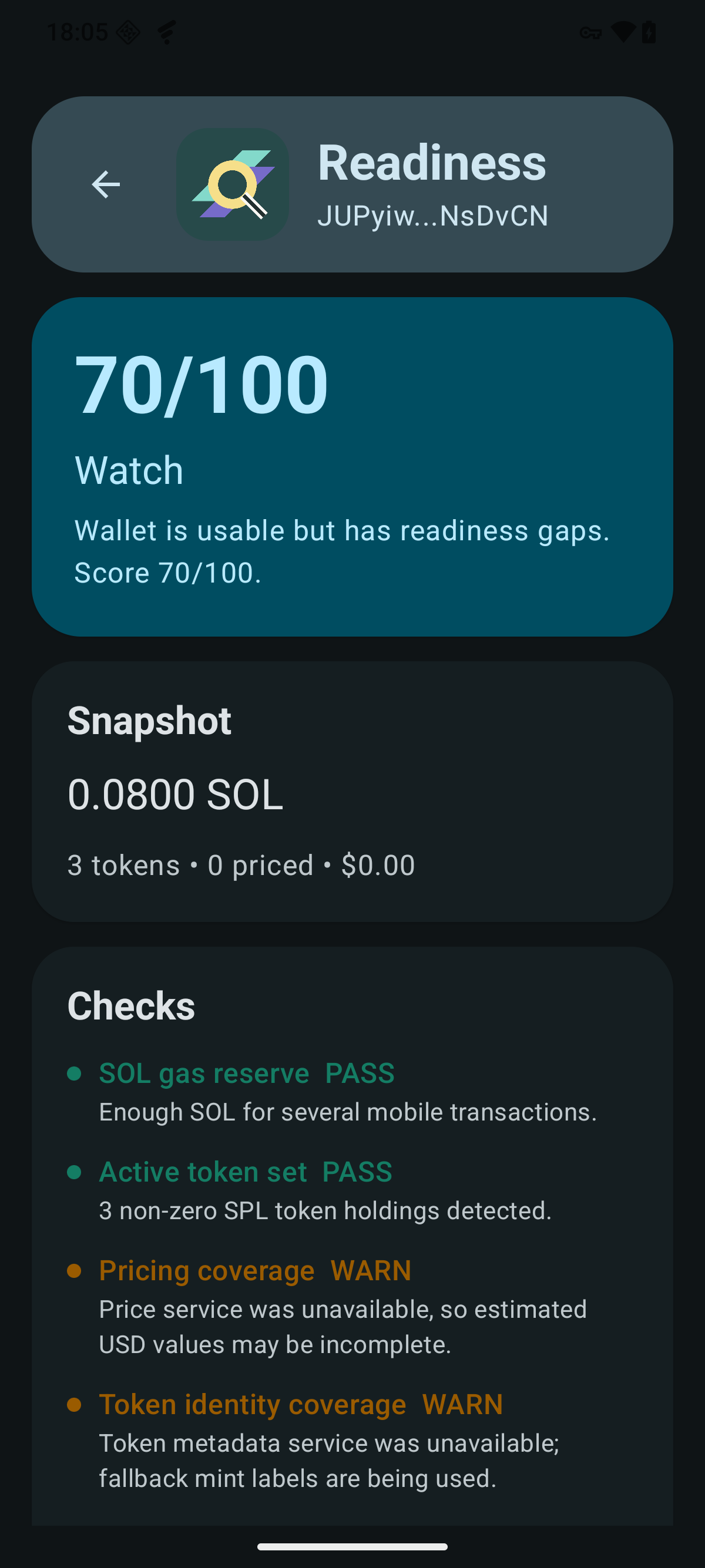
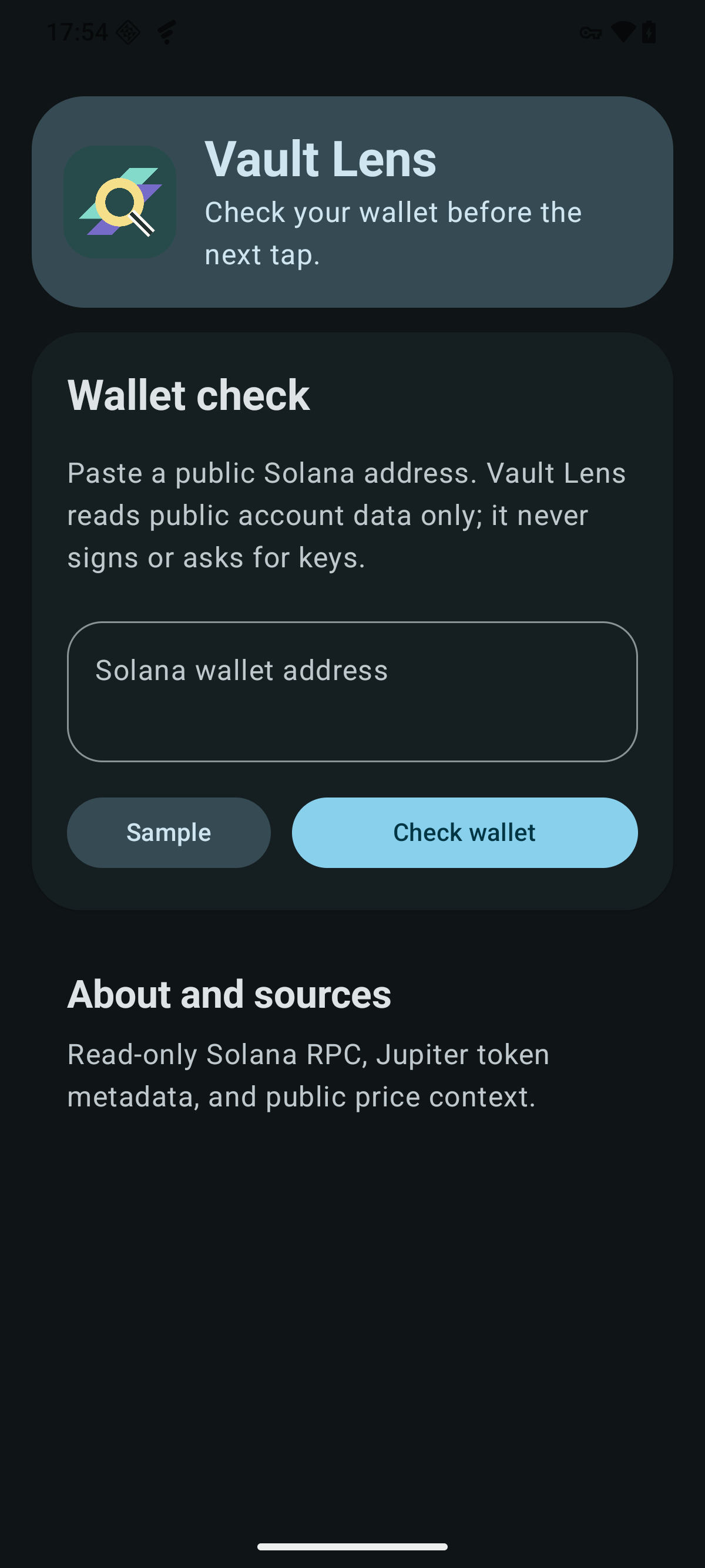
Implemented app states
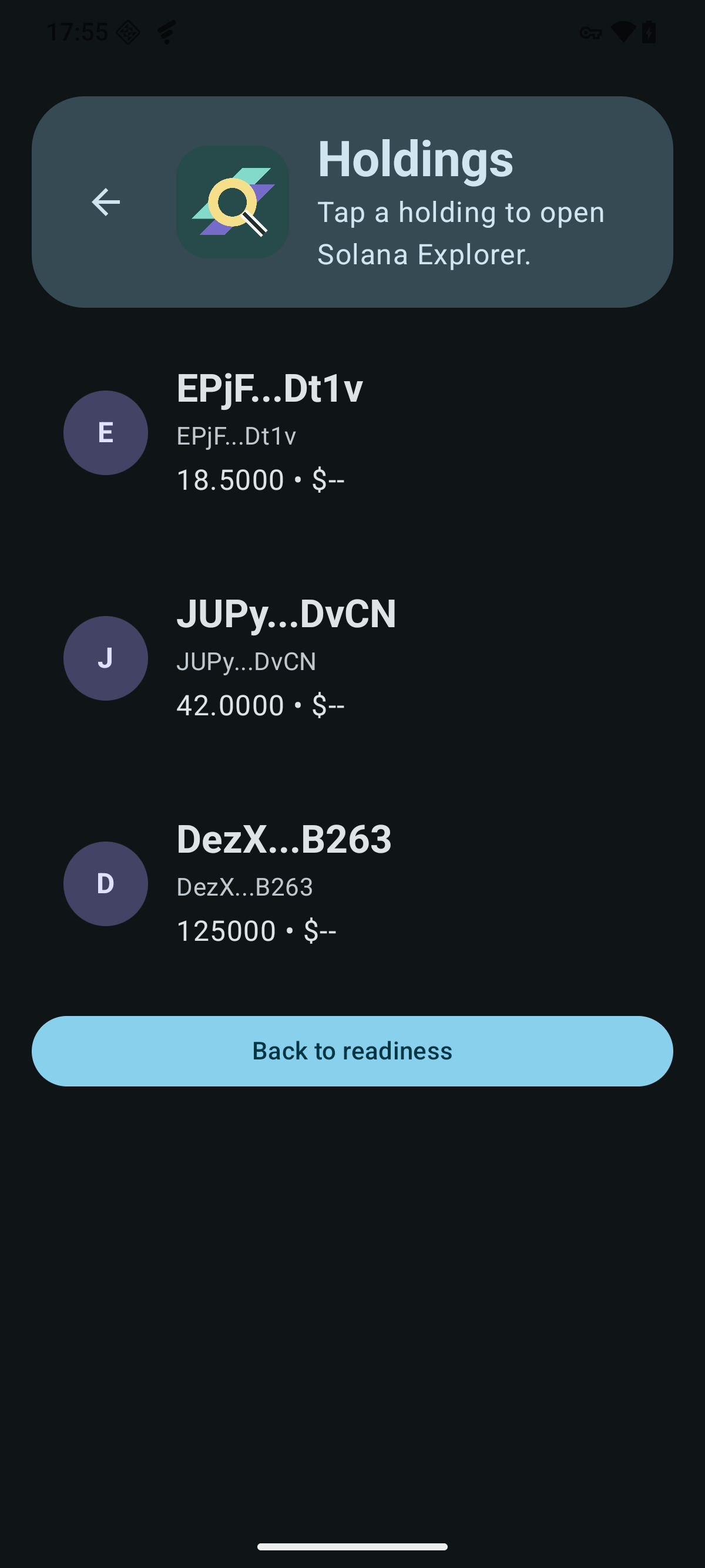
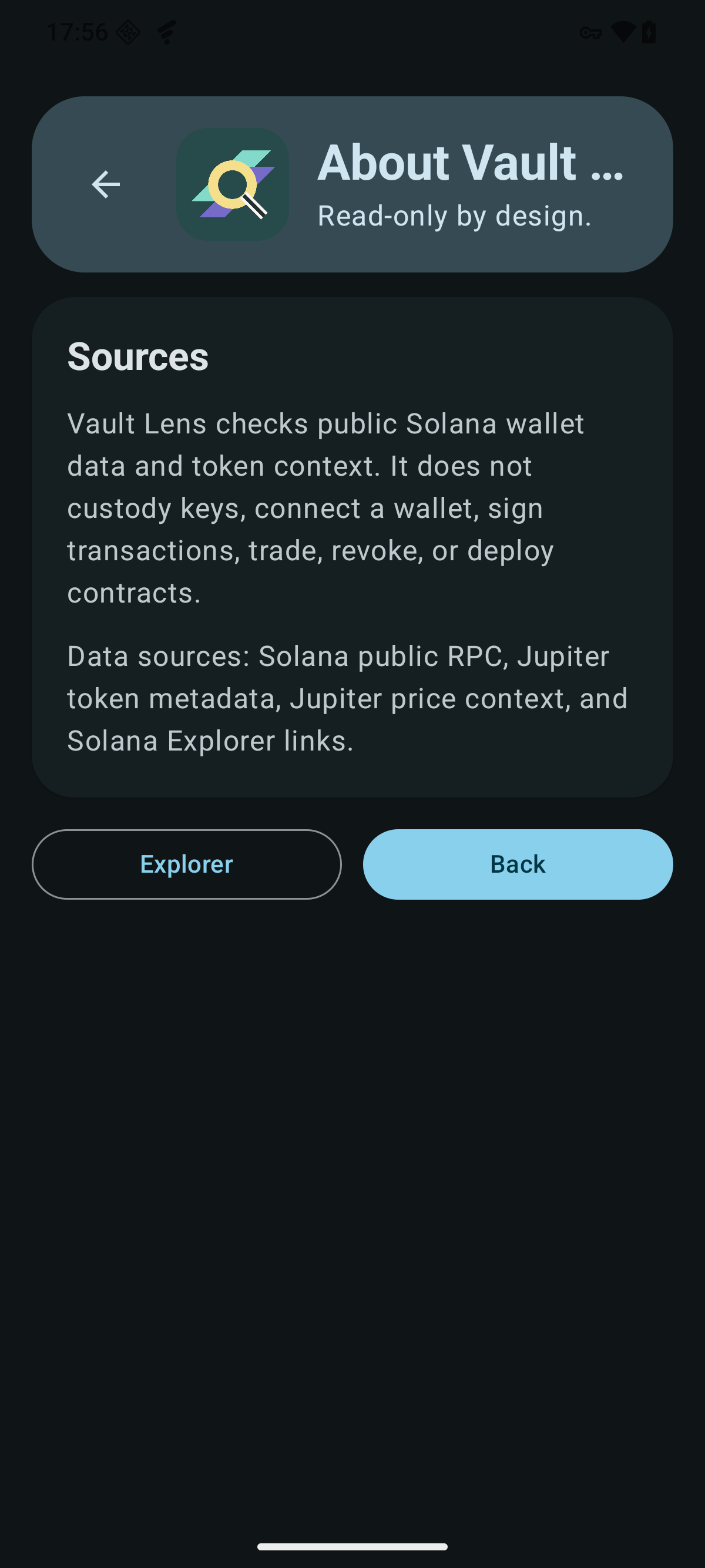
What it checks
Vault Lens is intentionally narrow: it helps Seeker-style users read the public state of a wallet before another action, without acting on the wallet itself.
Surfaces SOL balance so low-fee-reserve wallets are visible before another tap.
Separates priced holdings from unpriced assets when public token data is available.
Highlights wallets that may deserve extra review because many token accounts are low-value or unclear.
Points users toward review steps and explorer links instead of swaps, approvals, or custody flows.
Trust boundaries
Product principles
Keep the first screen useful: paste, check, scan, decide what to inspect next.
Mobile decision flow
Make limitations visible so public data never looks like certainty.
Data truthfulness
Complement wallet tools without pretending to be a wallet.
Read-only scope
FAQ
No. The current app flow checks a public Solana address and does not request wallet connection or signatures.
No. Vault Lens is a read-only readiness and hygiene utility. It does not execute transactions.
The app uses public Solana account reads and public token metadata or price sources where available.
Some token accounts may not have reliable public pricing or metadata. Vault Lens marks those limits instead of guessing.
No. It provides public wallet context and basic hygiene signals, not investment, trading, tax, or security advice.
Before the next Solana tap